
Blog
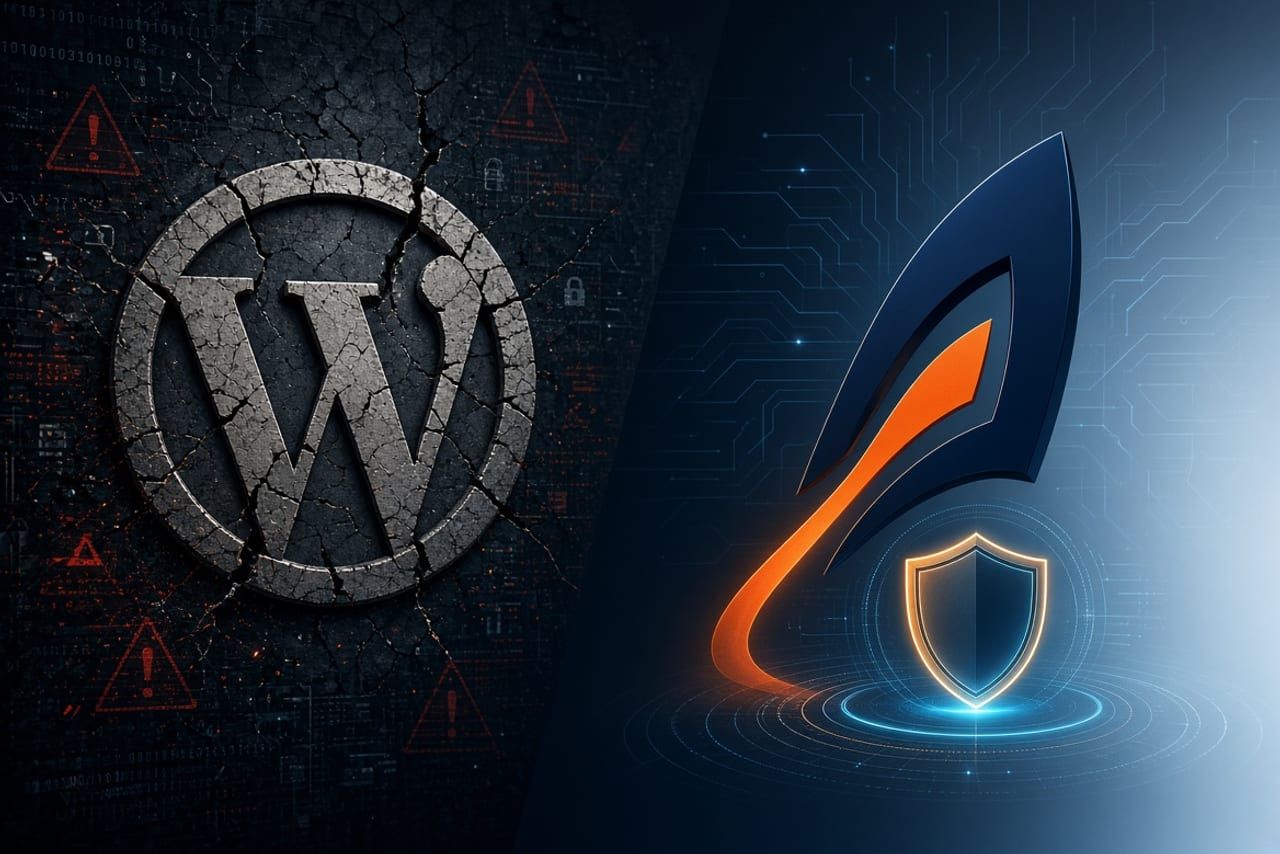
WordPress 7.1.5: The Quiet Tax on Small Sites
If your company still runs on WordPress, this week’s bulletin was familiar: WordPress 7.1.5 patches 19 distinct vulnerabilities (per Wordfence’s tracking). One is Critical (CVSS 9.1), several are High, and eight can be attempted without authentication. WordPress and Wordfence both recommend updating immediately.
You can read Wordfence’s full technical breakdown. If you are staying on WordPress, patch today.
For many small business and nonprofit owners, though, the more useful question is not “How fast can we patch?” but “Why does a marketing site keep generating emergency IT work?”
What WordPress 7.1.5 actually fixed
Notable issues in this release include:
- An unauthenticated privilege escalation in Template Part block attribute handling that WordPress says can lead to remote code execution (an attacker without a login can potentially get code running if an editor later opens the crafted content).
- A Critical multisite privilege escalation allowing a site-level Administrator to become Super Administrator via Customizer navigation-menu previews.
- SQL injection vulnerabilities, including one via nested
WP_Meta_Queryrelation values. - An XML-RPC denial-of-service vector that multiplies load by batching
pingback.pingcalls inside a singlesystem.multicall. - Multiple stored and reflected XSS issues, authorization bypasses, and information-disclosure flaws.
Not every issue affects every site, and applying the patch closes them. The deeper problem is the operating model. On WordPress, security is rarely a state you reach. It is an ongoing subscription of core, theme, and plugin updates that must be applied under pressure, then re-verified so nothing breaks.
The hidden maintenance tax
A typical WordPress site exposes a full application stack to the internet: PHP, a database, a public login page, the XML-RPC endpoint, and whatever plugins and themes have been added over the years. Every component is attack surface that must be monitored and patched.
Even after 7.1.5, the work continues: test that forms and checkout still work, keep a WAF in place for the gap before the next patch, lock down roles and unused endpoints, and wait for the next urgent bulletin. For a complex store or application this can be justified. For a site that is primarily service pages, about information, case studies, blog posts, and lead forms, you are paying ongoing security and maintenance overhead for what is essentially a digital brochure.
Astro: remove the attack surface instead of patching it
Astro is a modern framework built for content-driven sites (company sites, blogs, portfolios, resource hubs). Instead of executing PHP and querying a database on every request, it pre-builds pages into static HTML and serves them from a global CDN edge (Cloudflare Pages, Netlify, Vercel, and similar).
| Threat area from WordPress 7.1.5 | WordPress (dynamic stack) | Astro (static edge) |
|---|---|---|
| SQL injection | Live database exposed to application queries | No database on the public site |
| Privilege escalation / admin takeover | Public login, roles, and sessions | No public admin panel or login form by default |
| XML-RPC DoS | Legacy endpoint often left reachable | Does not exist |
| Server-side code execution on page load | PHP runs for every visitor | Static HTML/CSS; no server-side code runs on request |
| Ongoing maintenance | Emergency core/theme/plugin patching + compatibility checks | Routine, scheduled builds on your timeline |
The honest caveat: risk does not disappear. It moves to your hosting account, domain registrar, repository, build pipeline, and any third-party forms or CRM integrations. Strong MFA on Cloudflare and GitHub still matters. The difference is cadence—you secure accounts and review dependencies on a normal schedule instead of dropping everything to patch 19 core issues before they are widely exploited.
Business benefits beyond security
- Speed and SEO: Static HTML from the edge eliminates PHP boot and database round-trips. Field data and migration case studies consistently show higher Core Web Vitals pass rates and lighter page weights for Astro sites versus typical WordPress. Well-optimized WordPress can also be fast; the default starting point and maintenance burden are simply different.
- Predictable costs: Managed WordPress hosting plus security plugins and maintenance retainers commonly land in the $20–$150+/month range once everything is stacked. Static hosting on Cloudflare Pages (or similar) is free for most small-business traffic levels.
- Clean ownership: The site lives as version-controlled files rather than a database plus page-builder shortcodes.
When to stay and when to move
Stay on WordPress (with disciplined management) if you rely heavily on WooCommerce, complex memberships, or a large non-technical team that needs a visual dashboard daily.
Move—or seriously evaluate Astro—if the site is primarily a business, professional-services, healthcare, or nonprofit presence where speed, reliability, and low ongoing security overhead matter more than the plugin marketplace.
How Cybercon Solutions helps
Most small businesses keep WordPress not because they enjoy the patch cycle, but because migration feels disruptive, SEO redirects are easy to break, and no one on staff wants to manage Git and CDN configuration.
We handle that gap:
- Architecture and security assessment (no pressure): We review your current stack, plugin exposure, and real monthly costs and give a straight recommendation on whether migrating saves money and risk or whether staying on WordPress is the better business decision.
- Turnkey WordPress-to-Astro migration: Content extraction, design rebuild in Astro on hardened edge infrastructure, full URL redirect mapping to protect rankings, and secure forms/analytics—so your team ends up with a faster, lower-risk site without touching code. See our web design and development work.
- Hardened WordPress management (when you need to stay): Proactive patching with staging verification, WAF tuning, XML-RPC and unused-surface lockdown, least-privilege access, and tested backups—part of our cybersecurity and managed IT programs.
- Broader security alignment: Website posture connected to email authentication, DNS/domain hardening, and cloud workspace security under clear terms.
If the latest WordPress bulletin felt familiar, it is worth asking whether the architecture itself is still the right fit.
Book a website security and architecture review. You will get a plain-English breakdown of current exposure, actual cost, and the cleanest path forward.
Further reading
- Wordfence: WordPress 7.1.5 Security Release Fixes 19 Vulnerabilities
- Astro’s official WordPress migration guide
Facts in this article track Wordfence’s November 2026 analysis of the WordPress 7.1.5 security release. Recheck current advisories before relying on this write-up for later decisions.
